A real Linux, unrooted
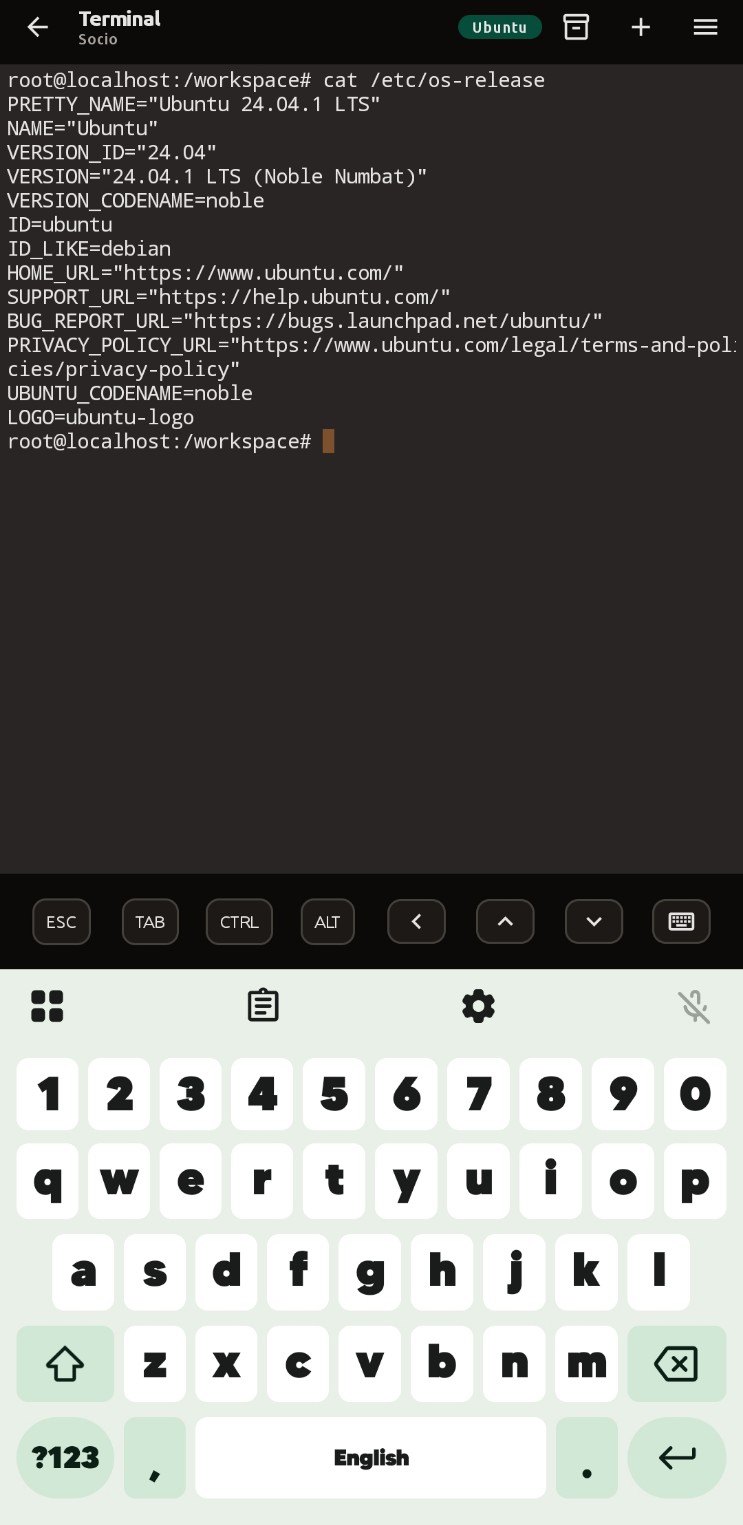
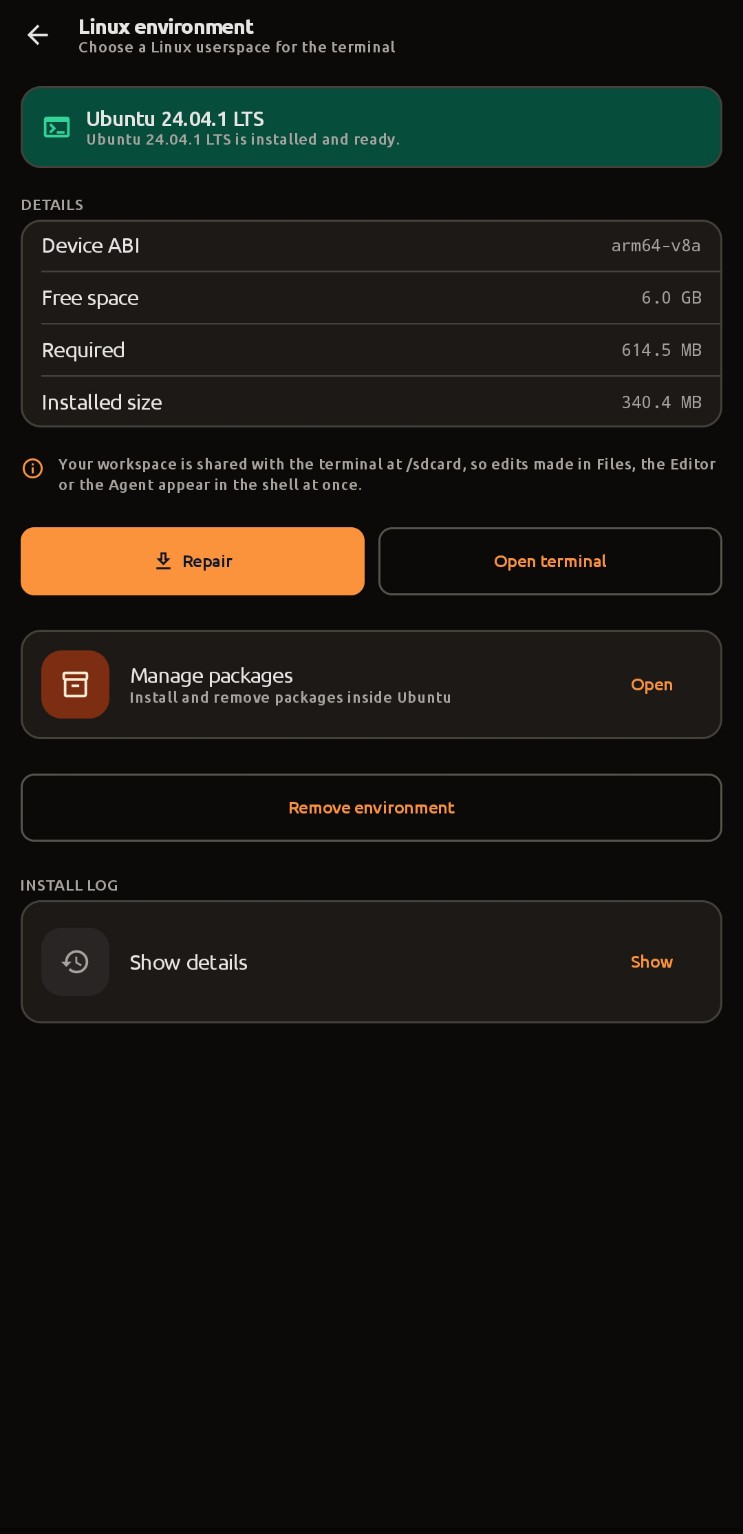
A SHA-256-verified proot runtime installs Ubuntu 24.04.1 LTS on demand. You get a genuine bash, real apt and a real toolchain, driven by a hand-written POSIX PTY in C and a pure-Kotlin VT emulator.
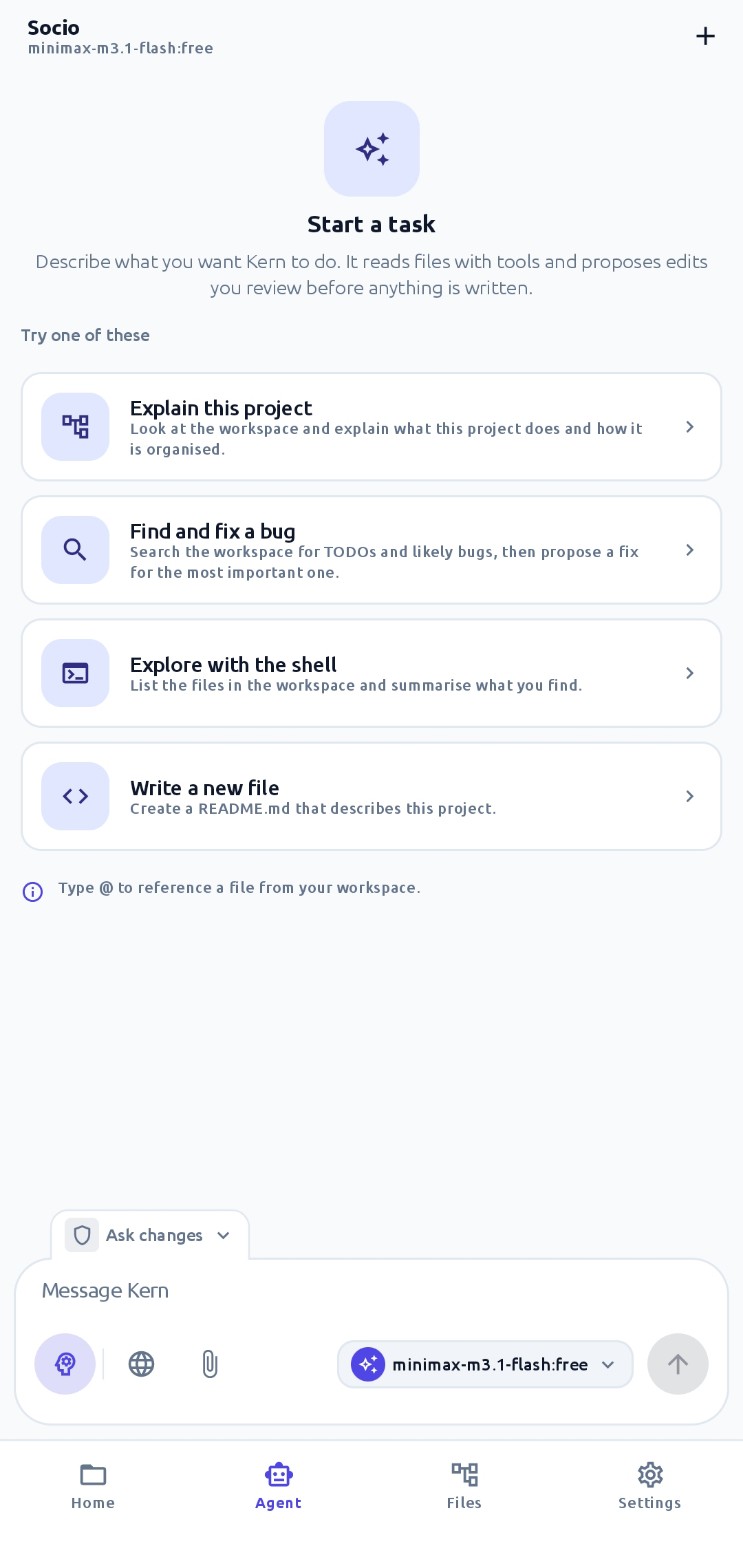
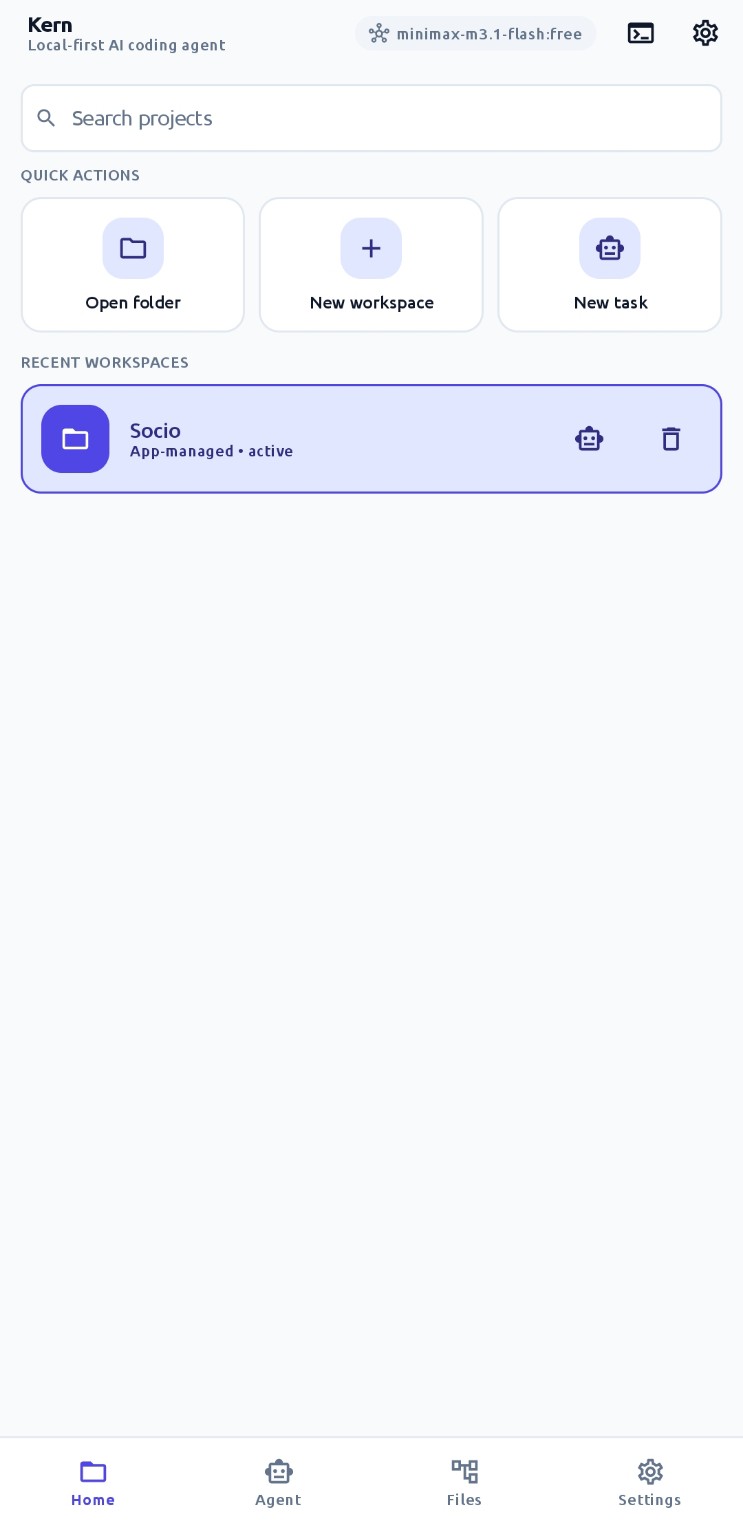
Kern is a real Linux terminal and an AI agent in one app. Give it a folder and an OpenAI-compatible endpoint, and it will read your code, edit it, run your commands and show you the result. No cloud workspace, no SSH tunnel, no root, no desktop.
Capabilities
Kern is built around one idea: the model should be able to do the work, not just describe it. Every feature below exists to make that possible on a phone.
A SHA-256-verified proot runtime installs Ubuntu 24.04.1 LTS on demand. You get a genuine bash, real apt and a real toolchain, driven by a hand-written POSIX PTY in C and a pure-Kotlin VT emulator.
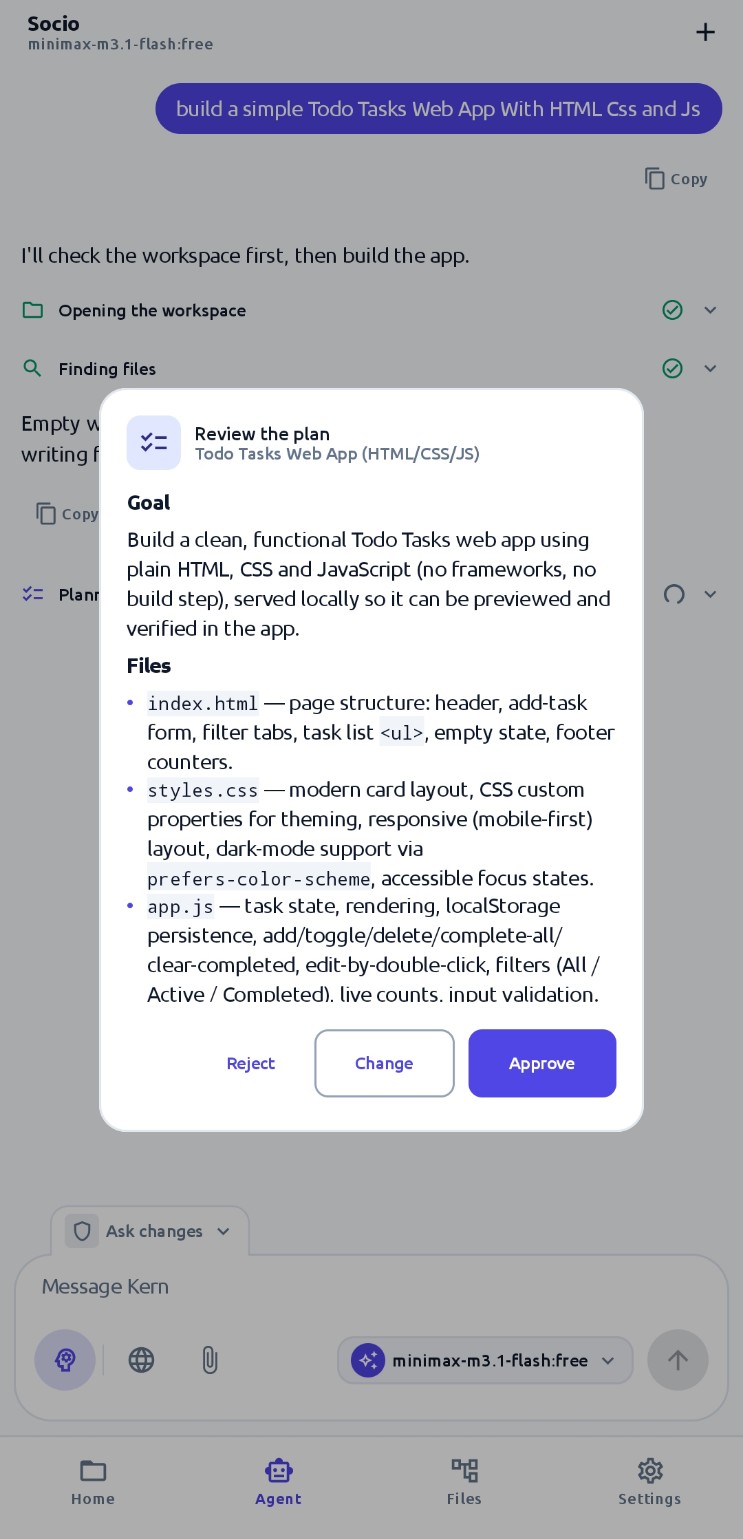
Files, edits, builds, tests, Git, shell commands, dev servers, previews, plans and memory. Read-only calls run in parallel, mutating ones run in sequence behind your approval.
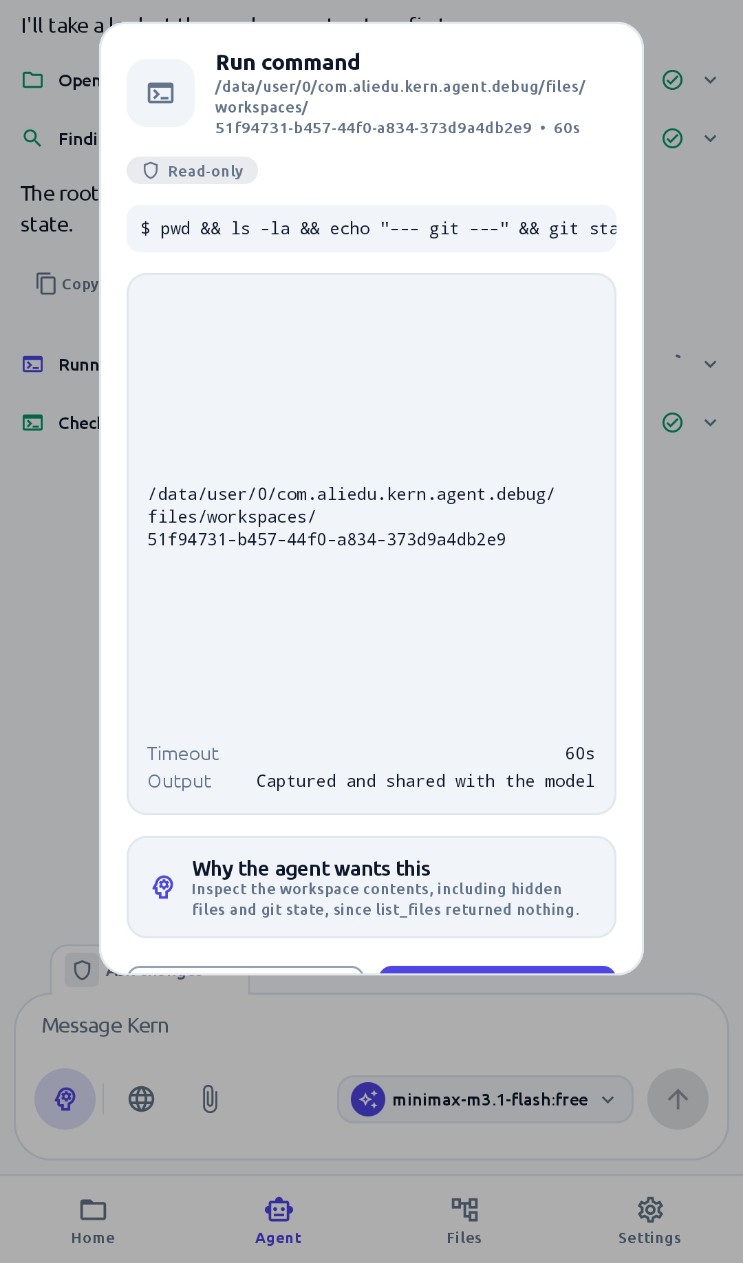
Every command is classified before it runs. rm -rf, mkfs and git reset --hard always ask, every time. Permission modes decide the rest, and secrets are redacted from every log.
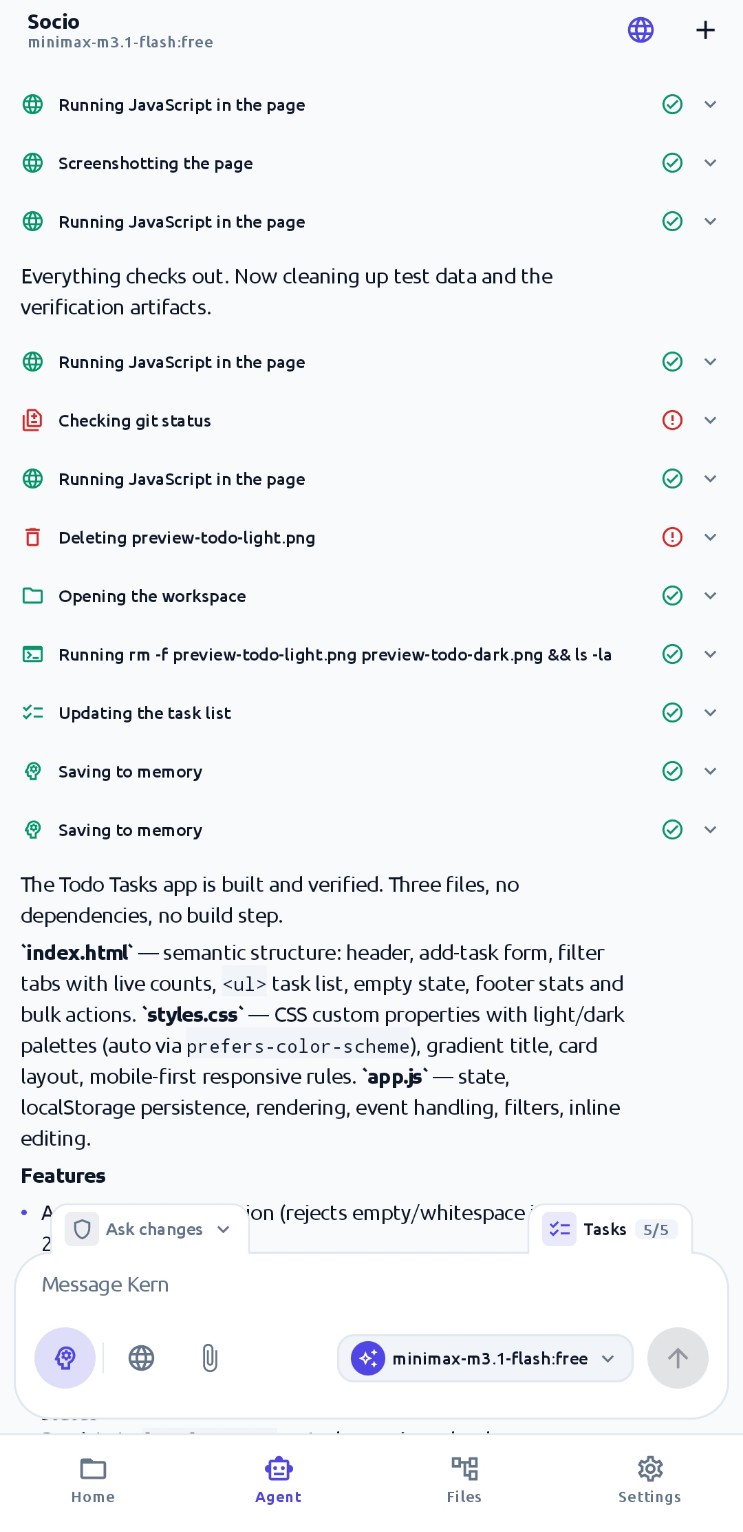
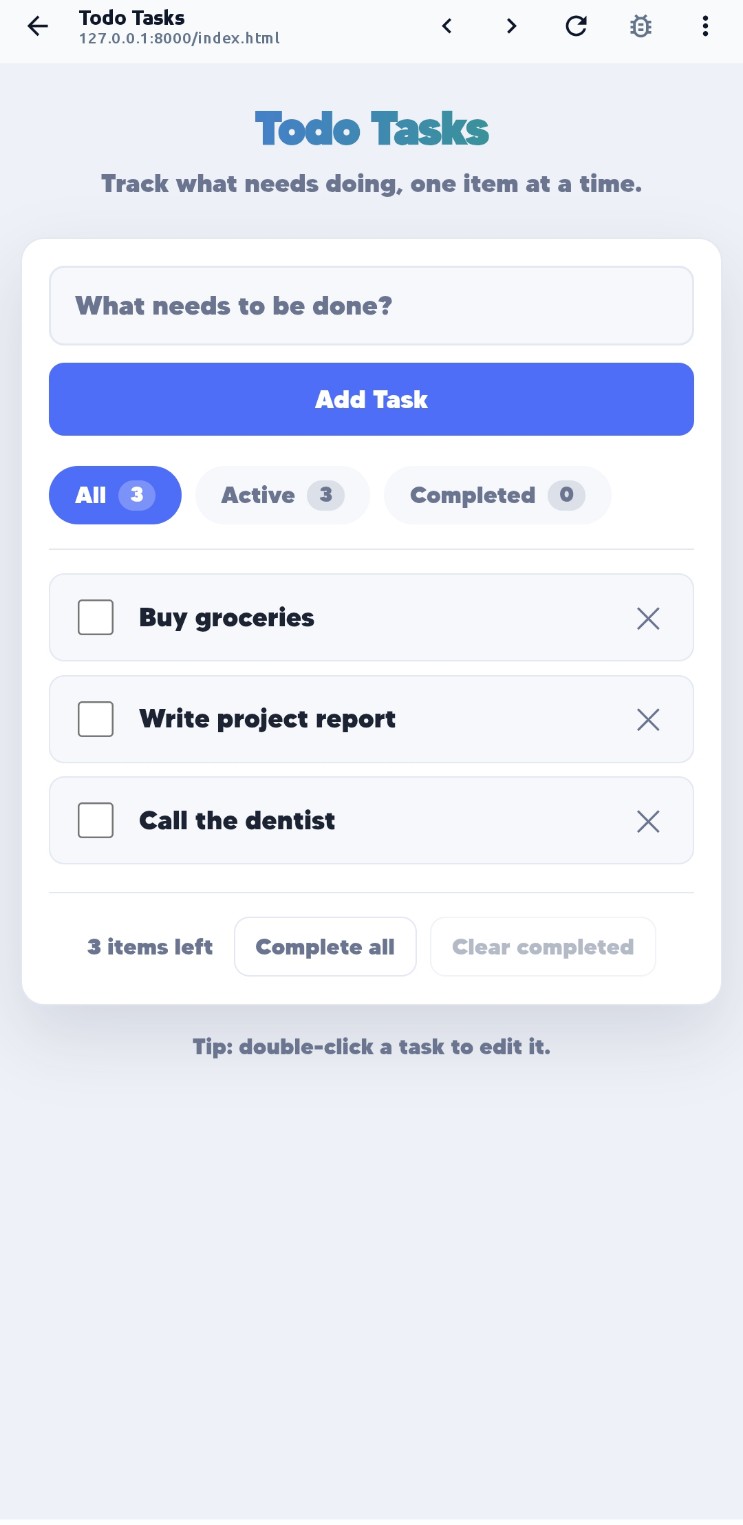
Start a dev server from the agent and a WebView preview opens with a browser-style console drawer. The agent reads that console, runs JavaScript in the page and captures screenshots.
API keys are encrypted with AES-256-GCM through the Android Keystore. Point Kern at a local model and nothing leaves your network at all.
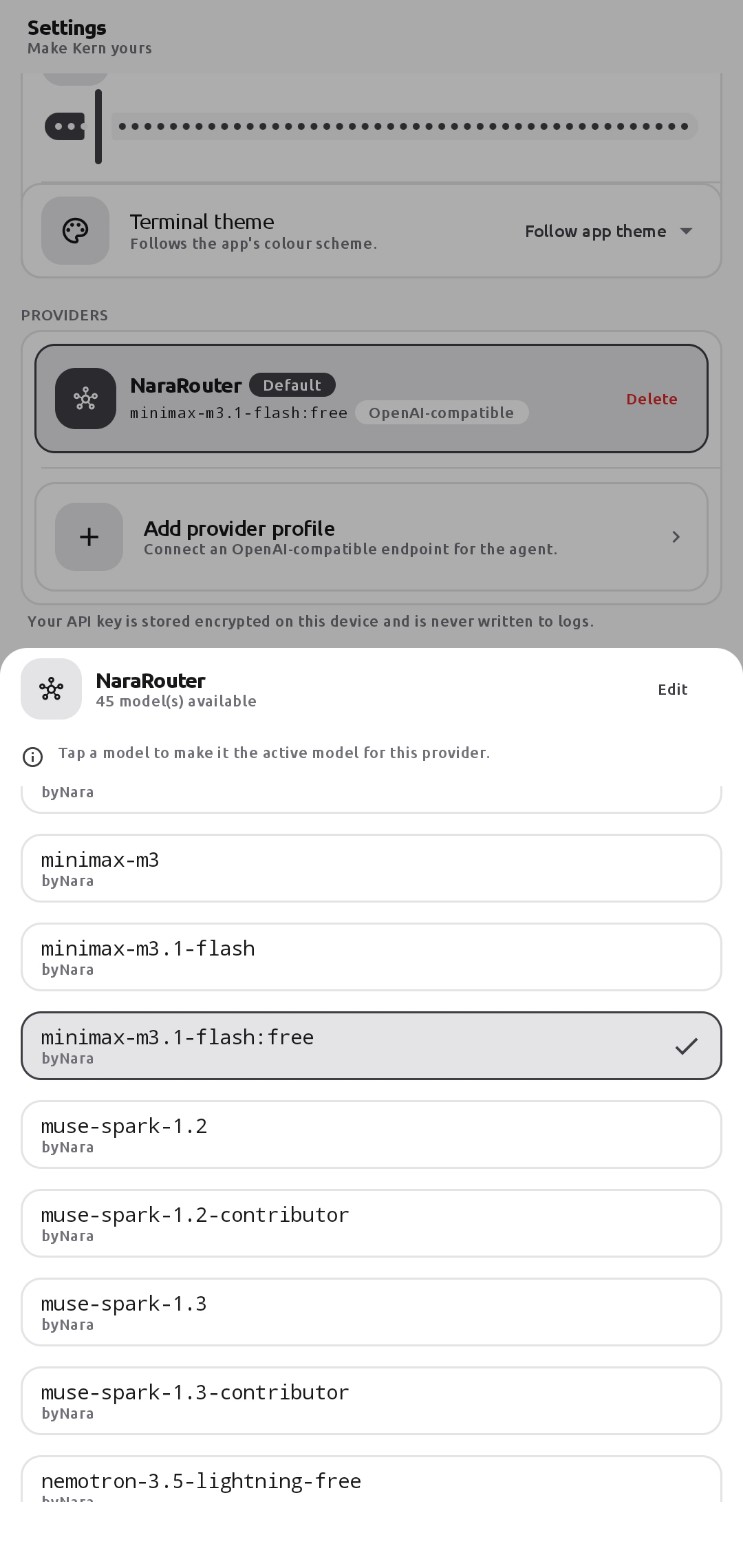
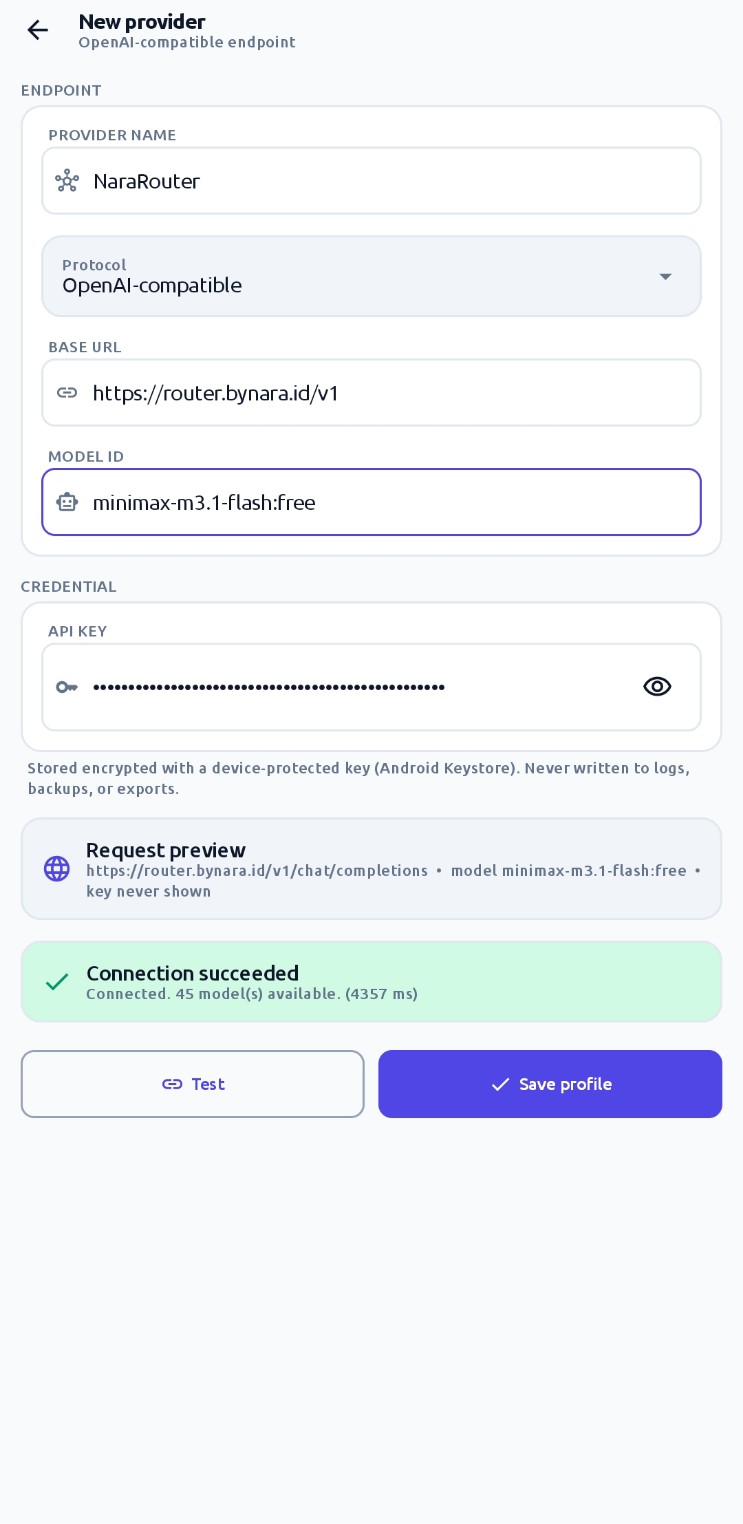
OpenAI, OpenRouter, Together, Groq, vLLM, Ollama, llama.cpp or your own gateway. Bring your own key and pick the model the agent uses.
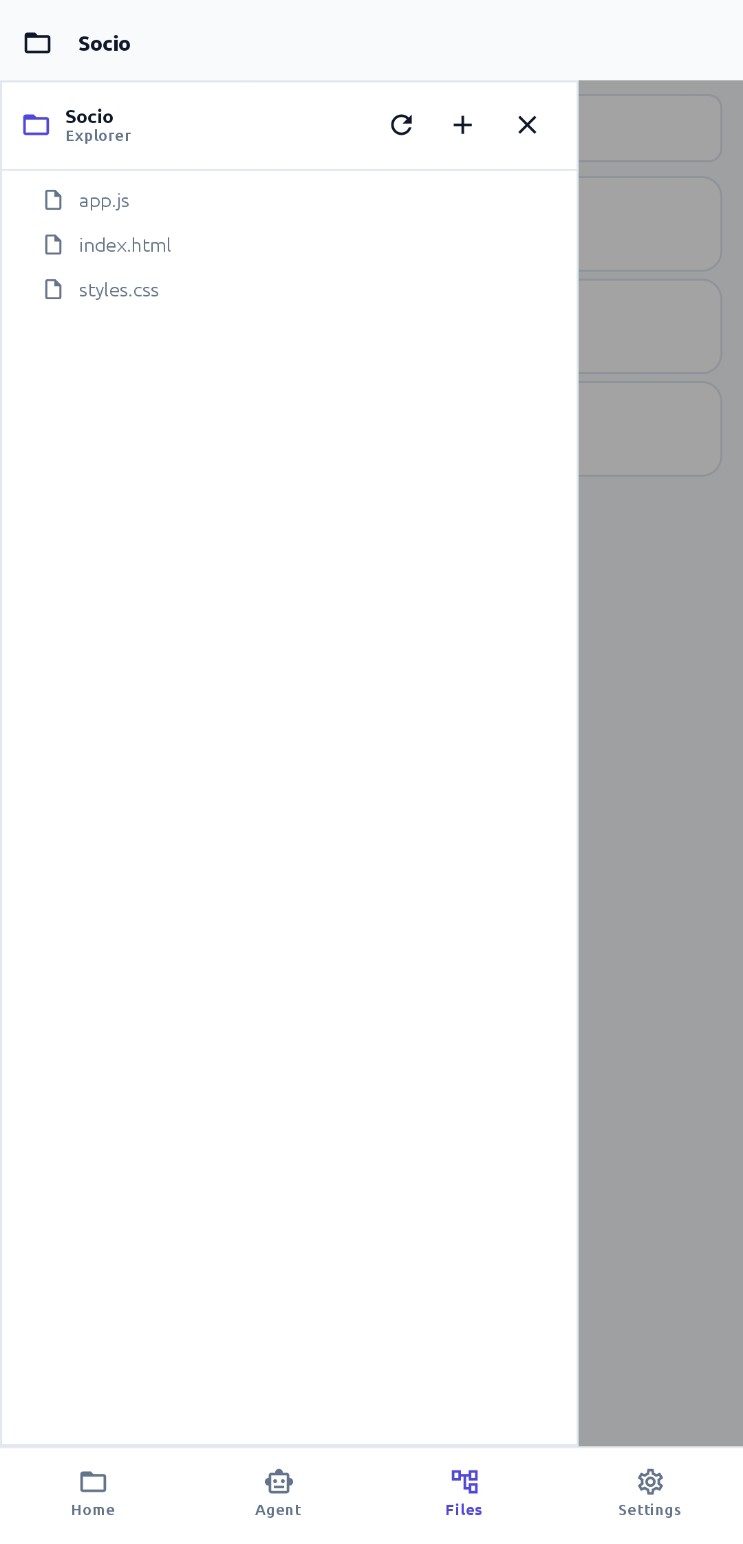
Browse the workspace, search across it and edit files with a line-numbered editor, all against the same tree the terminal uses.
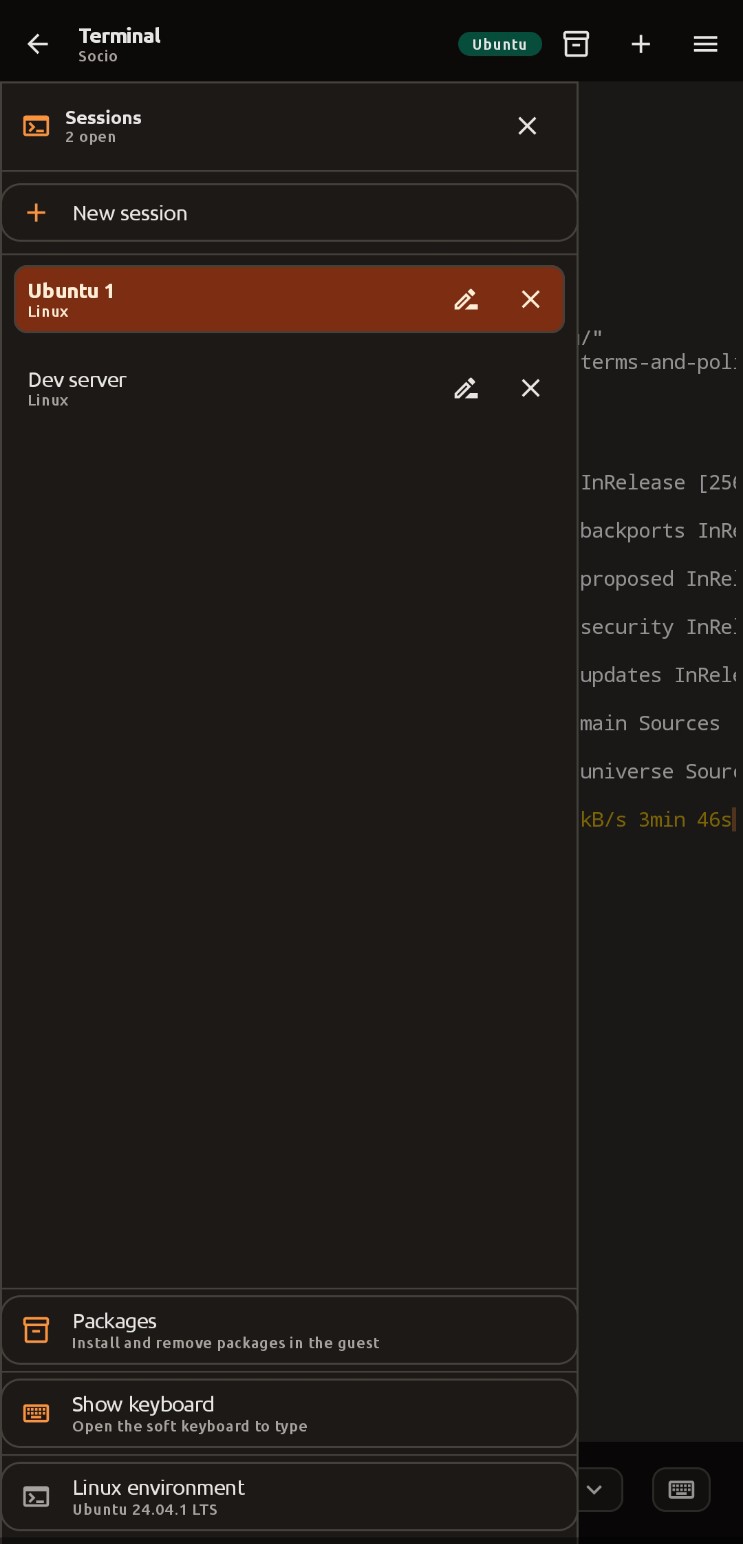
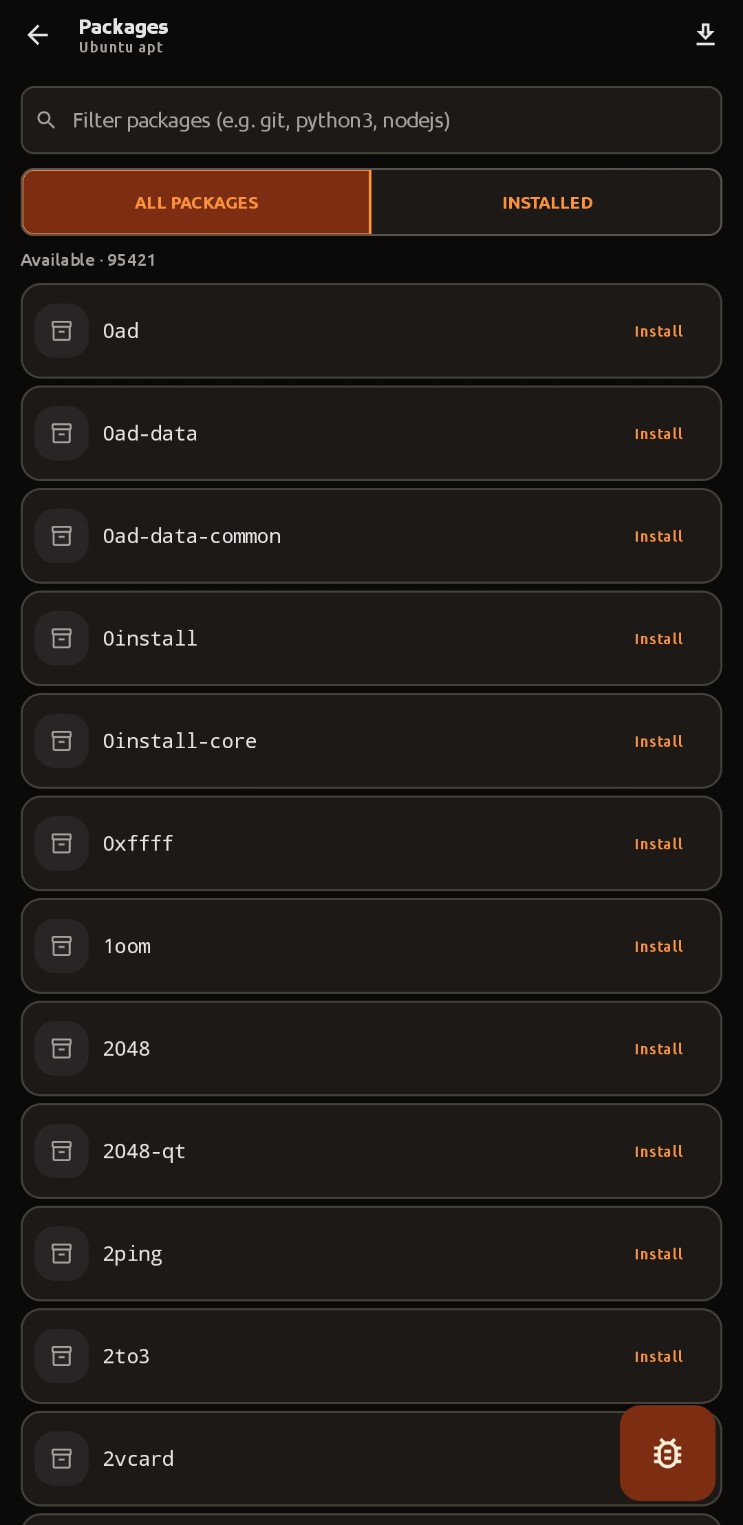
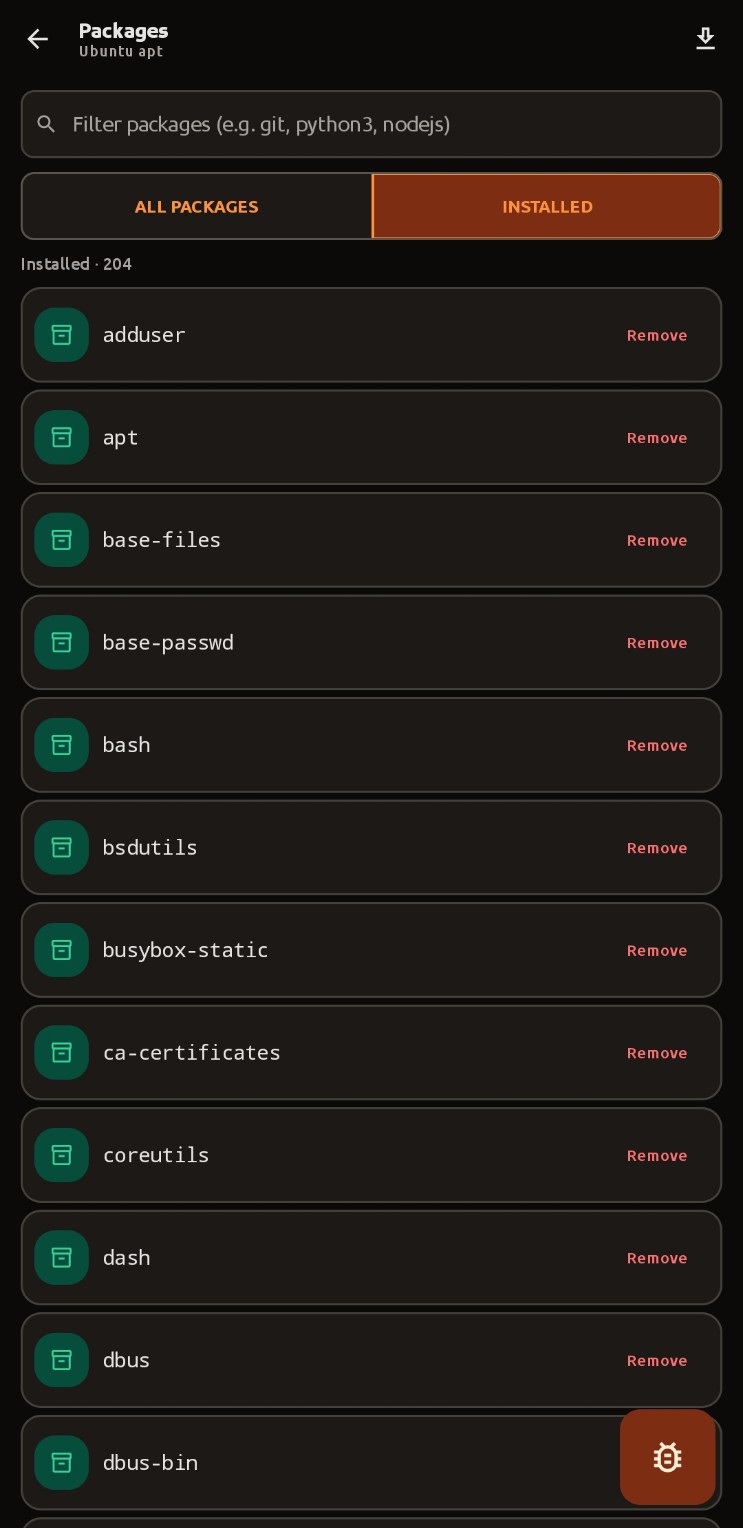
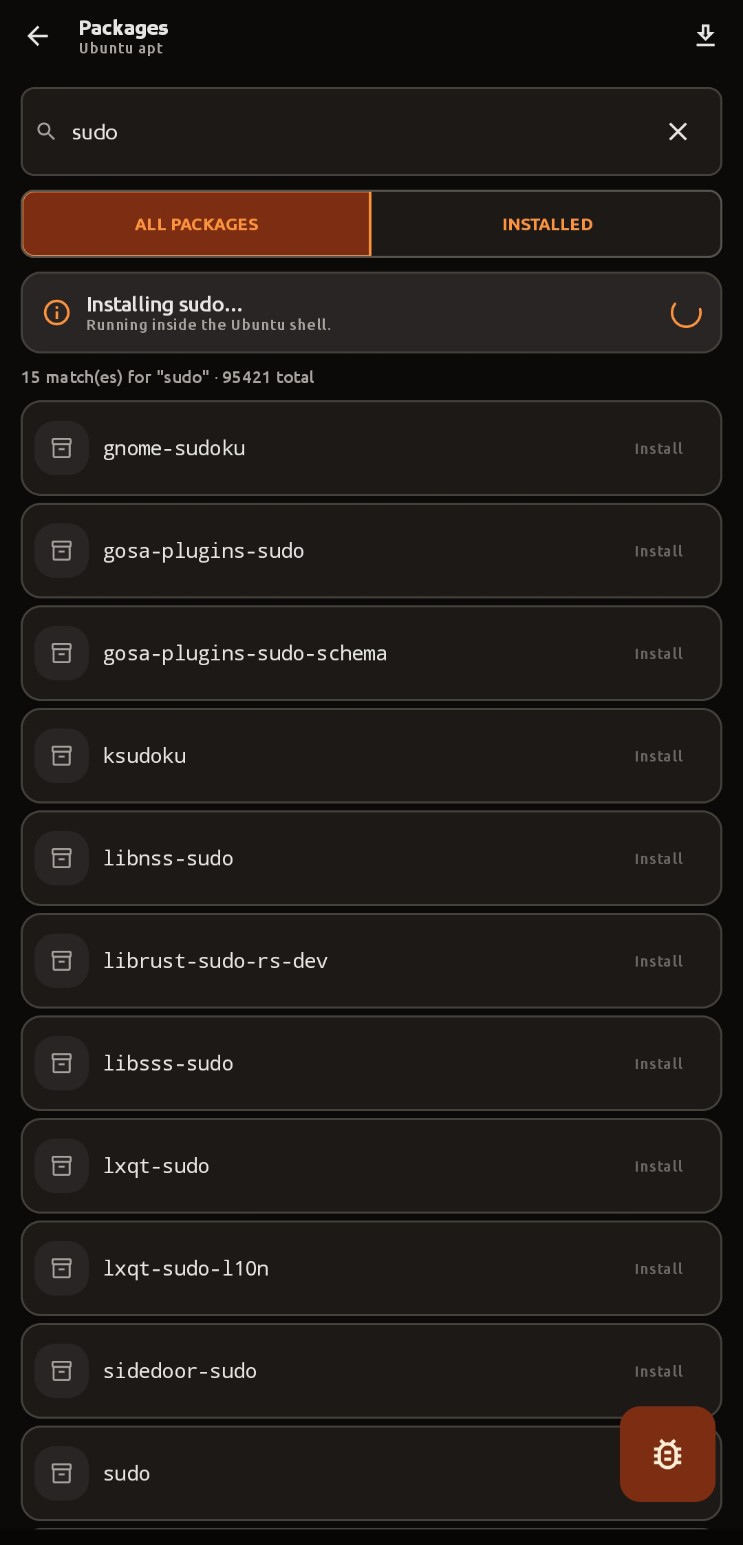
Search the full apt index, install and remove packages inside the guest, and watch the output stream in a dedicated log screen.
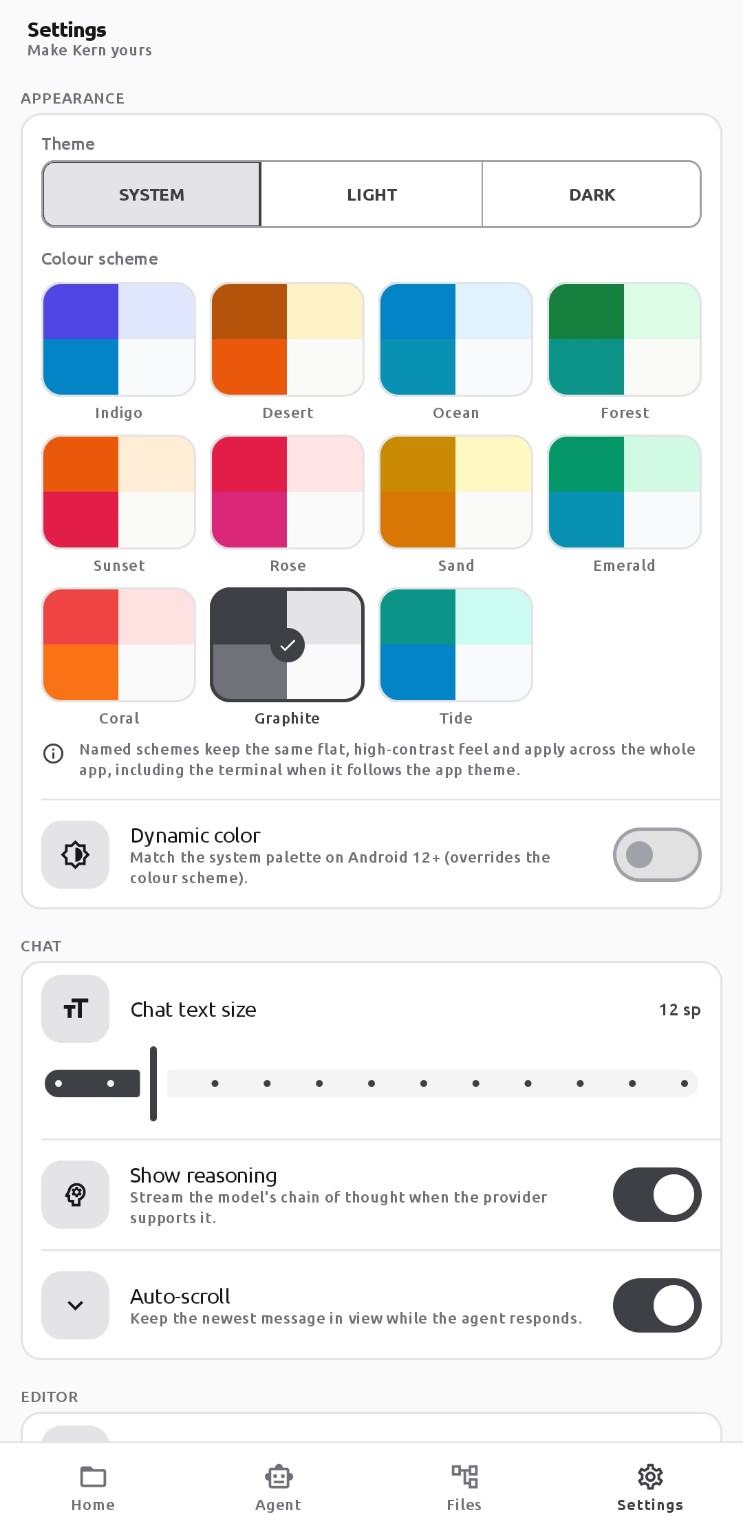
Eleven colour palettes, light and dark, Material 3 dynamic colour and seven terminal themes including a 24-bit truecolour palette.
The interface
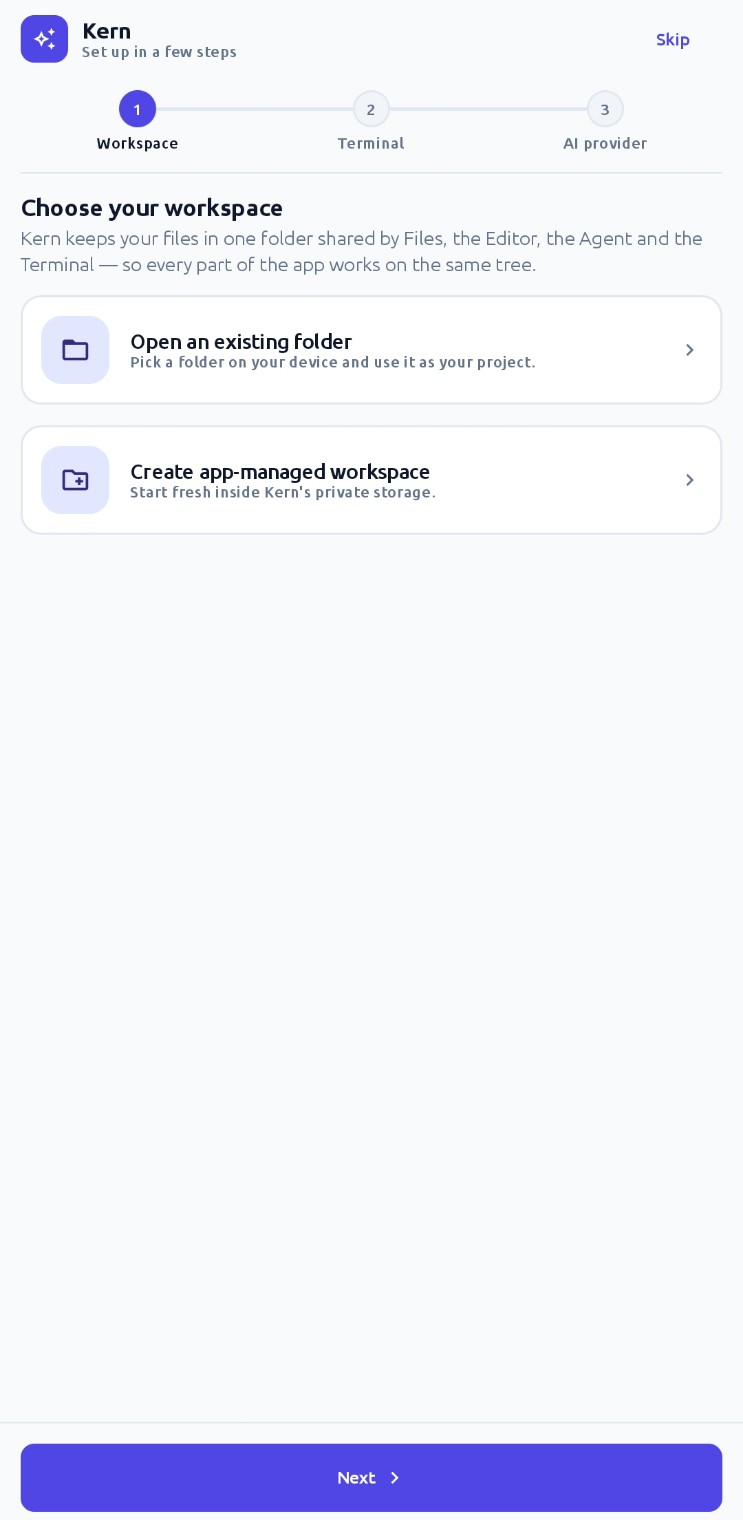
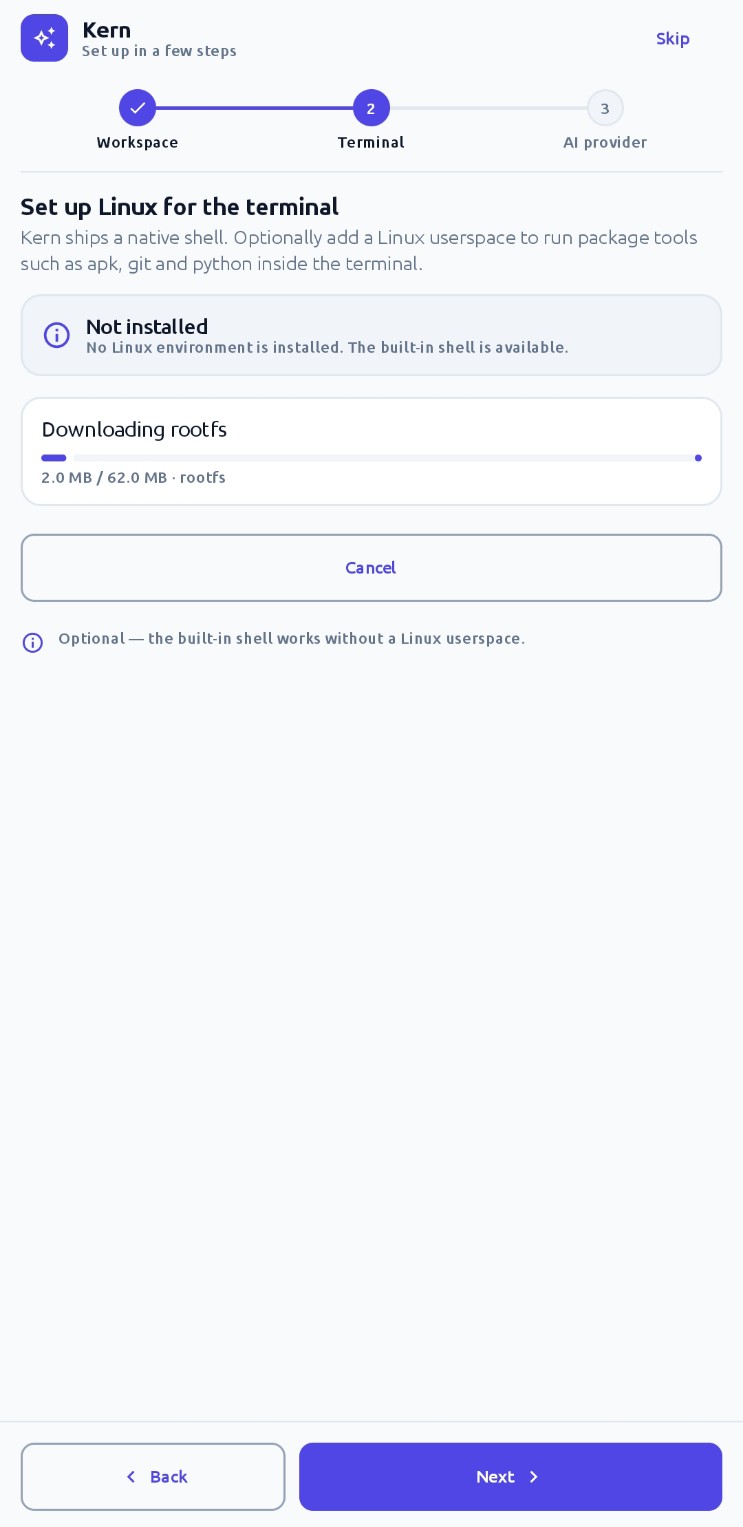
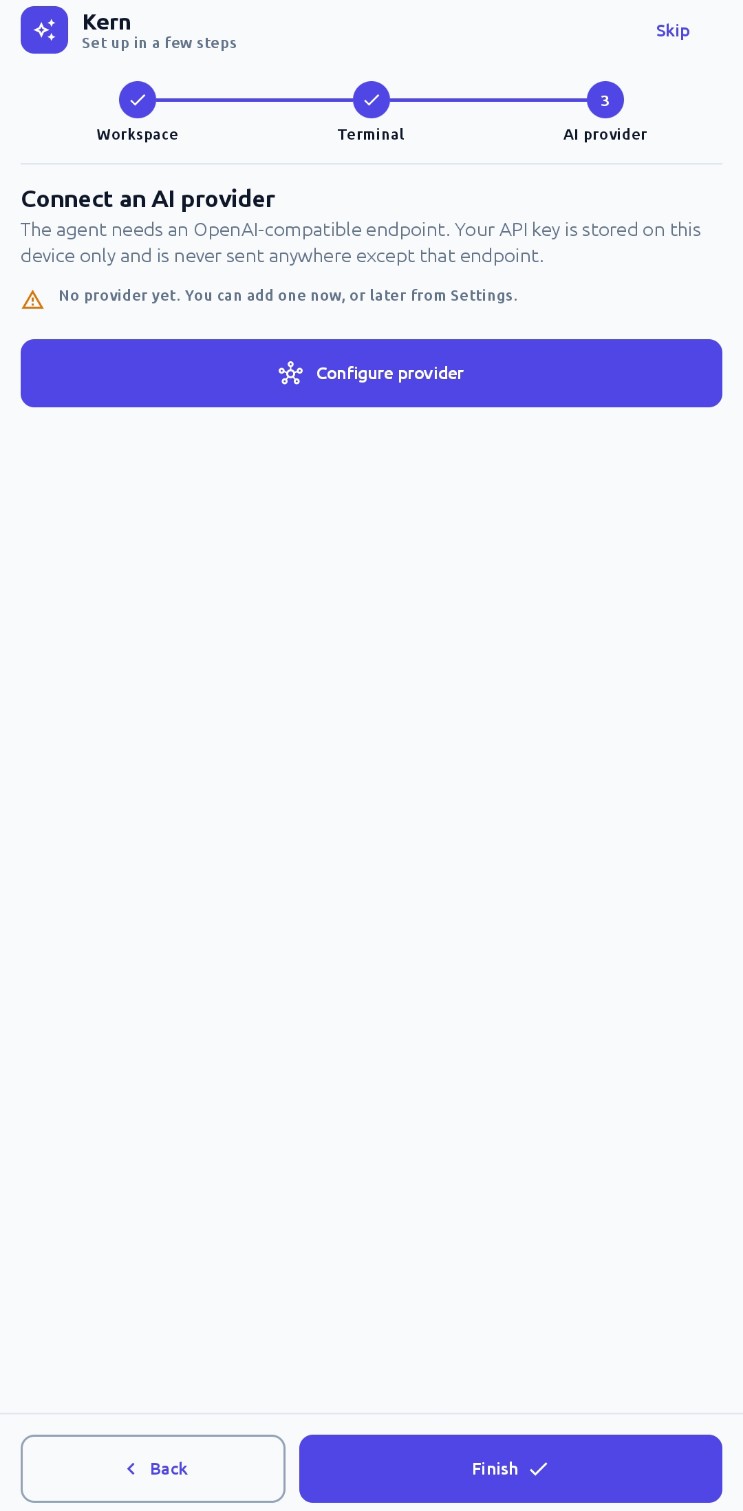
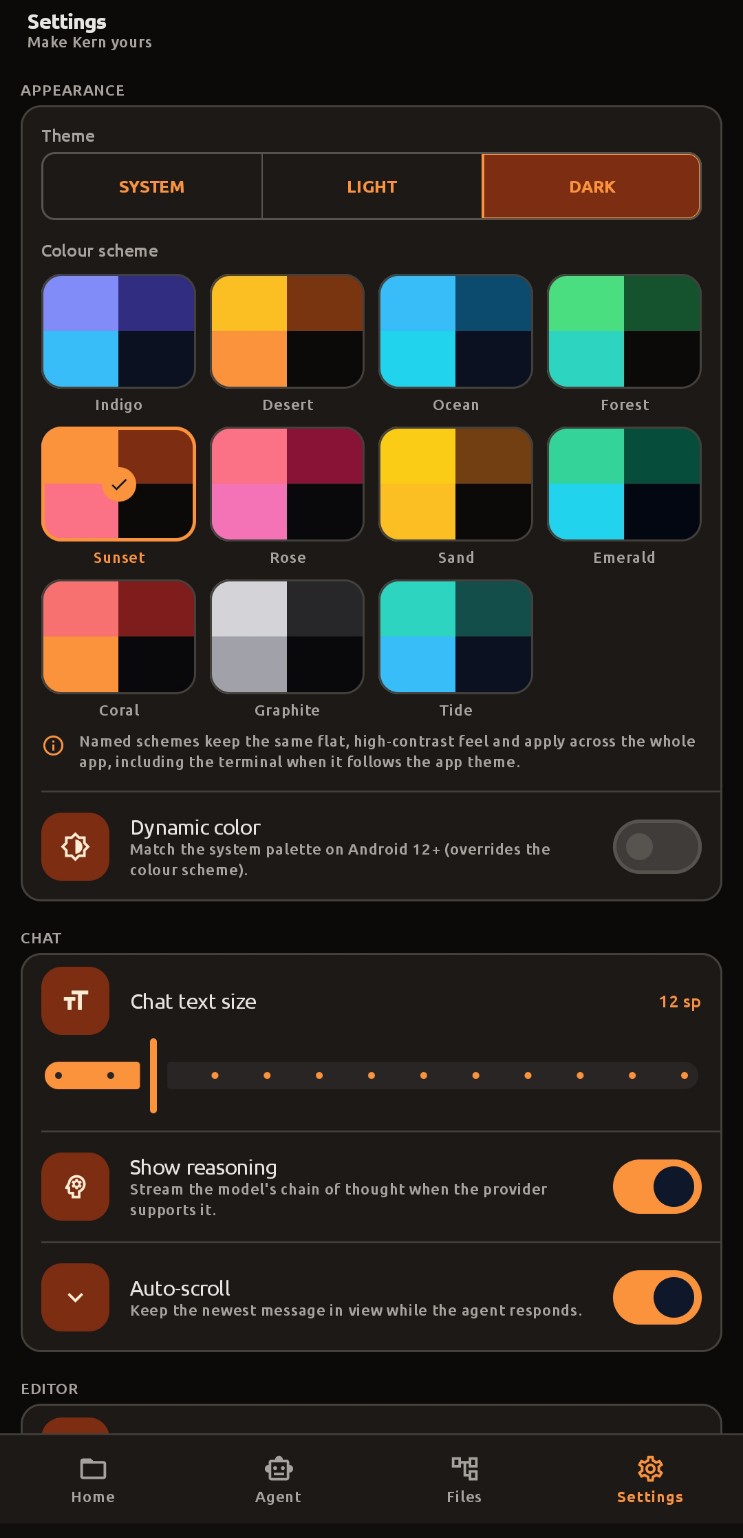
Watch it work
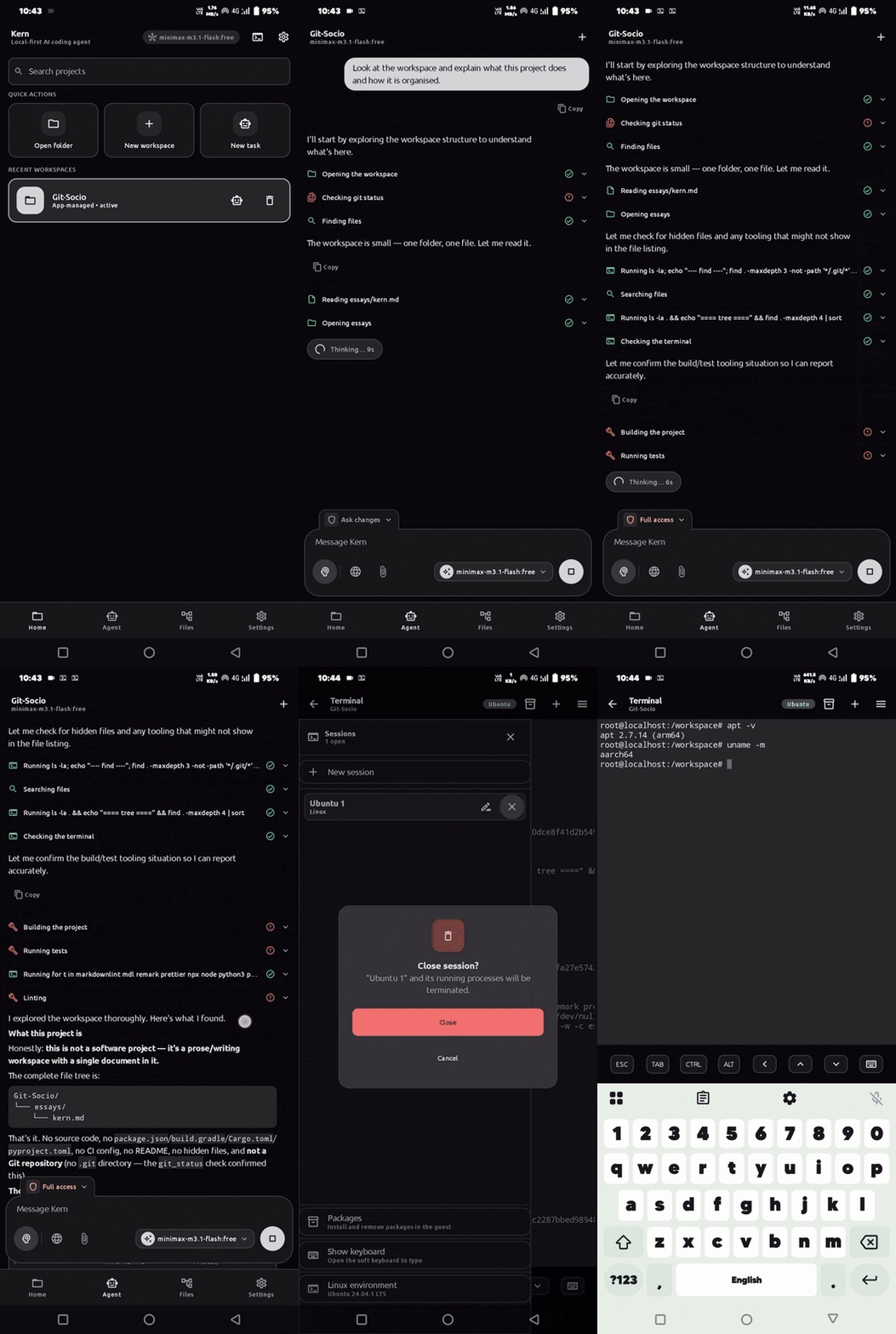
A full 93-second capture of a real run: the agent explores a project, requests permission to run a command, reviews its own plan, and finishes at a live root prompt.
Comparison
They solve different problems, and they work well together. Kern can point at a Termux installation.
| Capability | Kern | Termux |
|---|---|---|
| Shell on Android | Built in, with a native PTY and a VT emulator | Built in, long-established |
| Full Linux userspace | Ubuntu 24.04 via proot, installed on demand | Its own package selection |
| AI agent that edits and runs | 29 tools, approval gated | Not included |
| File explorer and editor | Included, sharing the terminal tree | Bring your own |
| Live web preview | Included, with a console drawer | Not included |
| Package management UI | apt, with a browsable index | pkg, from the command line |
Use cases
A real shell, a real package manager, and an agent that can actually run what it explains to you.
Open a project folder, ask for a summary, then fix the thing that bothers you before you get home.
Start the dev server, open the preview, read the console. No laptop in the loop.
A quick Python script, a build you kicked off, a cron-style job that keeps running in the background.
Point Kern at a model on your own machine and nothing, not even a prompt, leaves your network.
A working bash on a device with no monitor, no keyboard and no root.
Questions
Get started
Download the APK, pick a folder, add a provider, and ask for something. Five minutes to the first agent run.